
Settings
A tour of the six Settings tabs. Every preference NovaTerm persists lives here.
The Settings window is the source of truth for NovaTerm preferences. Open it with Cmd+, (or Ctrl+,). Designed as a beautiful macOS-native sidebar with acrylic glassmorphism, it allows you to configure everything in the app.
The raw settings file (novaterm-settings.json) exists in the app data directory and NovaTerm does read it on launch, but editing it by hand is not the workflow - the Settings UI handles validation, defaults, and migrations. If you want to back up or sync settings between machines, see Data locations.
General
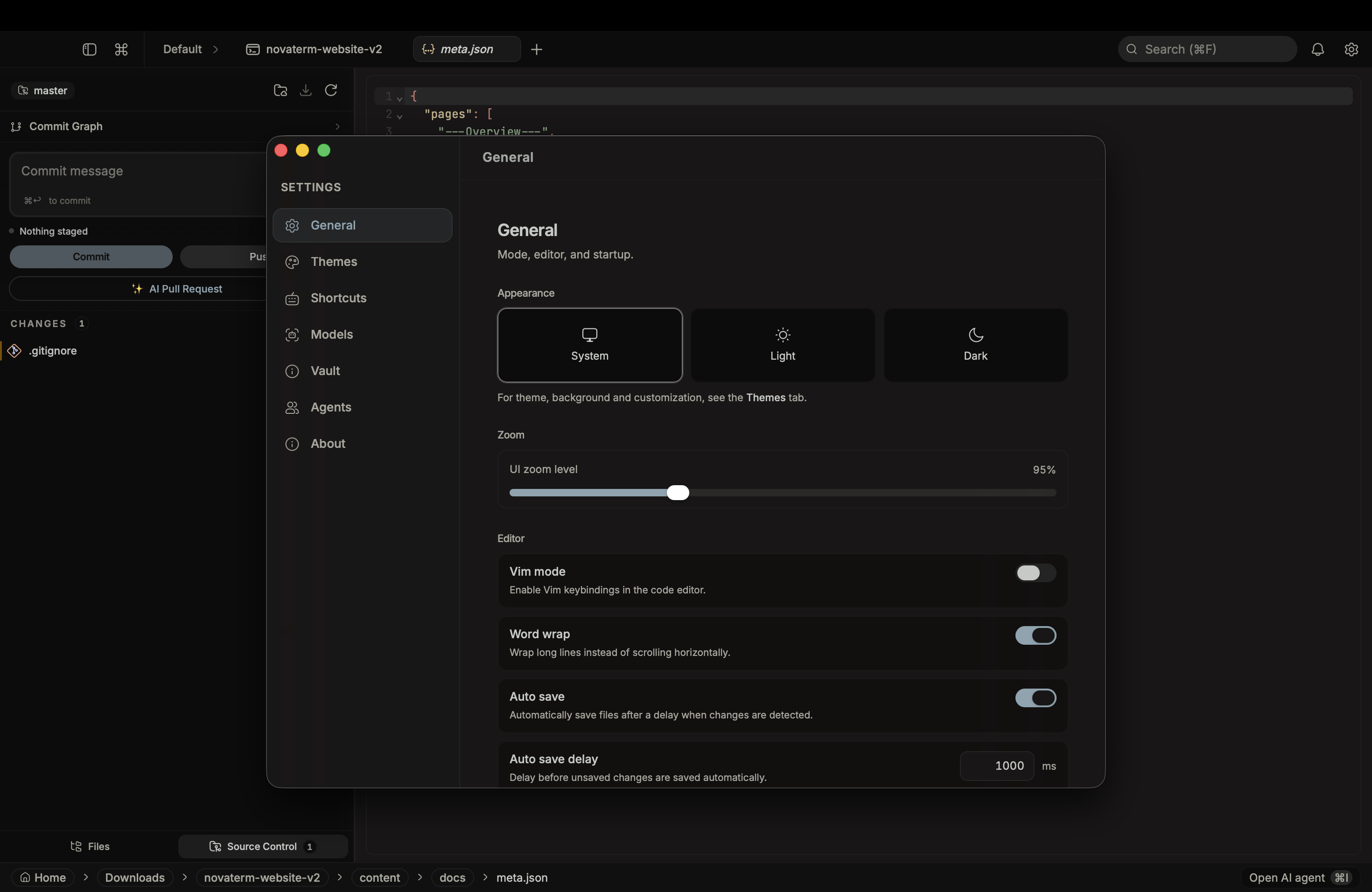
Terminal:
- Font family - any installed monospaced font
- Font size - 8 to 32, presets at 10, 12, 13, 14, 15, 16, 18, 20, 22, 24
- Letter spacing
- Scrollback - 200 to 50,000 lines, presets at 500, 1k, 2k, 5k, 10k, 25k
- WebGL renderer - toggle if you hit driver glitches
Editor:
- Vim mode
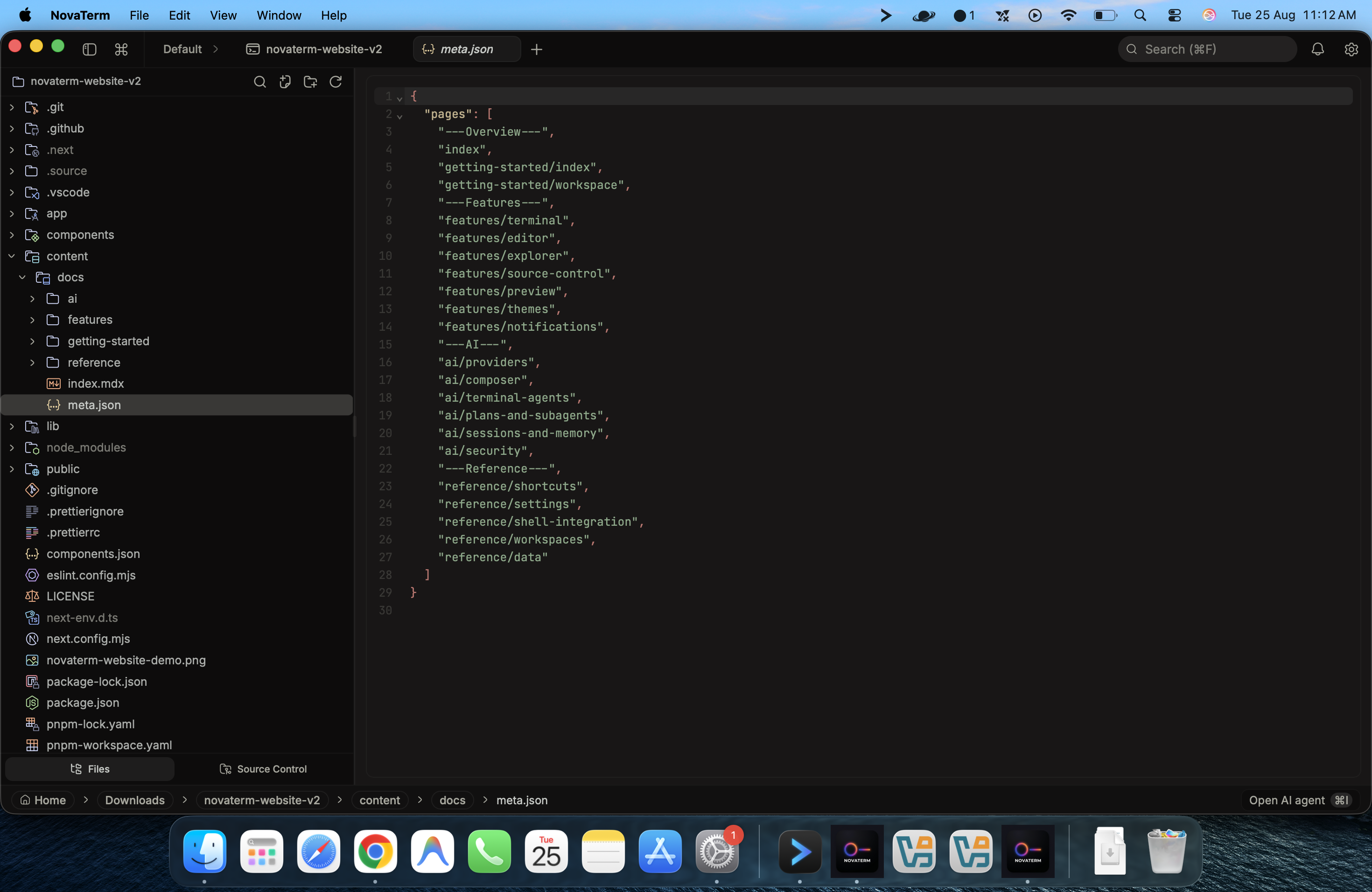
App:
- Autostart - launch NovaTerm on login
- Restore window state - remember size and position
- Zoom level
- Show hidden - show dotfiles in the explorer
- Custom instructions - system prompt addendum that applies to every AI session
Models
Cloud providers and local endpoints. Per-provider cards for keys, base URLs (for local), and default model selection. Plus the autocomplete provider / model picker (independent of the chat model).
Themes
Bundled and custom themes. Pick an app palette, an independent editor theme, and a background image with opacity and blur sliders.
Shortcuts
Remap any binding. Per-group lists with conflict detection. Editor entries are read-only - CodeMirror owns them natively.
Agents
- Agent notifications - master toggle for the notification router
- Custom agents - per-agent system prompt and tool subset
- Claude Code hooks - one-click installer for terminal-agent integration (see Coding agents in the terminal)
Enterprise Vaults
NovaTerm v1.2.0 features an Enterprise Vault tab in settings for safely managing environment variables and secrets.

- Zero-Trust Secrets: Secrets set in the Vault are injected natively into the memory of the
portable-ptyshell session. They are never written to~/.bashrcor any file on disk. - AWS Secrets Manager Sync: The Vault has a native Rust bridge to the AWS CLI. Enter an AWS Secret ID, and it will fetch and unpack the JSON payload directly into your terminal environment using your local AWS IAM credentials, bypassing heavy SDK setups!
About
Version, update channel, license, and links to the repo and changelog.